A canvas for intent and information.
Elenweave is a client-only canvas engine for building interactive workspaces— graphs, navigation, HTML nodes, theming, events, and portable export.
The AI Canvas
Tell the canvas the intent, and it weaves a linked graph back in structured steps.
JSON-only responses add or update nodes + edges, with auto-placement (no x/y) to keep the canvas tidy.
Board snapshots and the last four turns are included only when nothing is selected. Multi-select nodes to steer the AI.
Understands built-in inputs, media viewers, charts, and MarkdownBlock for formatted responses.
One upload control handles images, audio, and text/code files. Audio is transcribed with Whisper (OpenAI) or read inline for Gemini, and file content is safely truncated.
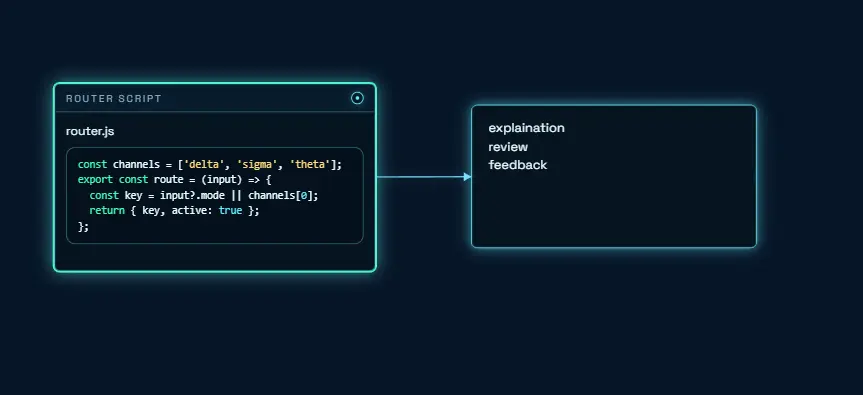
AI can request details via TextInput or OptionPicker nodes. Selecting them switches Send to Run for fast follow-ups.
Streamed voice sessions with live states plus tool calls for pan, zoom, fit, focus, and center. Audio is saved back on the canvas.
Parsed output links context and attachment nodes to a primary response, focuses the camera, and drops a notification.
Core primitives
Elenweave is built around four primitives: a multi-board workspace, a low-level graph model, a renderer/controller view, and a navigator for camera + selection.
Creates, renames, switches, and exports boards. Handles moving nodes across graphs.
- Create / rename / delete boards
- Active graph navigation layer
- Import/export workspace JSON
Low-level board model with ordering helpers, edges, serialization, and placement nudges.
- Add/update/remove nodes + edges
- Ordering helpers (before/after/index)
- Hydrate/serialize for persistence
Canvas renderer and interaction controller: selection, link mode, context menu.
- Drag, resize, link, edit text
- DOM-backed HTML nodes
- Export Graph/Workspace + PNG
Two-tier navigation: zoom/pan + selection traversal with keyboard bindings and optional UI.
- Directional selection (neighbors first)
- Fit / focus / center actions
- Optional skeuomorphic nav UI
Quick Start
Copy, paste, and you have a workspace, a view, and a graph with nodes and an edge.
npm i elenweave
https://cdn.jsdelivr.net/npm/elenweave@0.1.1/dist/elenweave.iife.min.js
Loading quick-start.html...npm i elenweave or use the CDN build
·
Workspace manages multiple boards and the active board. Graph is the board model. View renders and controls a canvas. Navigator adds camera + selection traversal.
Guides
Browse the surface by focus area: primitives, capabilities, themes, components, and events.
Foundations for data, rendering, interaction, and navigation across boards.
Multi-board workspaces, context menus, HTML overlays, and portable export.
Preset themes and token overrides for both canvas and HTML overlays.
DOM-backed nodes for custom UI, charts, and data-rich widgets.
Subscribe to graph lifecycle, selection, input, and context actions.
Themes & interaction defaults
Presets: blueprint, light, dark. Override individual tokens when you
need.
Interaction defaults are tuned for drag, resize, link, edit, and navigation.
Pick a preset and override specific values (bg, nodeStroke, edge, selection).
options.themeName and options.theme.
const view = new ElenweaveView({
  canvas,
  workspace,
  options: {
    themeName: 'dark',
    theme: {
      bg: '#061526',
      nodeStroke: '#6fe7ff',
      edge: '#78dbff',
      selection: '#41ffb4'
    }
  }
});Shift+drag to link, or toggle Link Mode. Edges can have color, label, and pulse.
Arrow keys for directional selection, Tab for cycle, plus zoom/fit/focus actions.
Double-click built-in HTML text nodes to edit. Changes persist to node.text.
HTML components inside nodes
HTML nodes render in a DOM overlay so they can receive clicks and input. Use data attributes to control dragging, selection targets, and link anchors.
Register a component by name. Then spawn nodes with type: "html" and component.
data-ew-drag: constrain dragging to a handledata-ew-select: element that selects node on pointer downdata-ew-link: start linking from a specific anchor
view.registerComponent('OptionPicker', {
  loader: () => import('./components/option-picker.js')
});

view.addNode({
  type: 'html',
  component: 'OptionPicker',
  x: 200, y: 140, w: 320, h: 160,
  props: { title: 'Route', options: ['A', 'B'] },
  data: { choice: 'A' }
});OptionPicker, MultiChoice, TextInput, SliderInput, DateTimeInput.
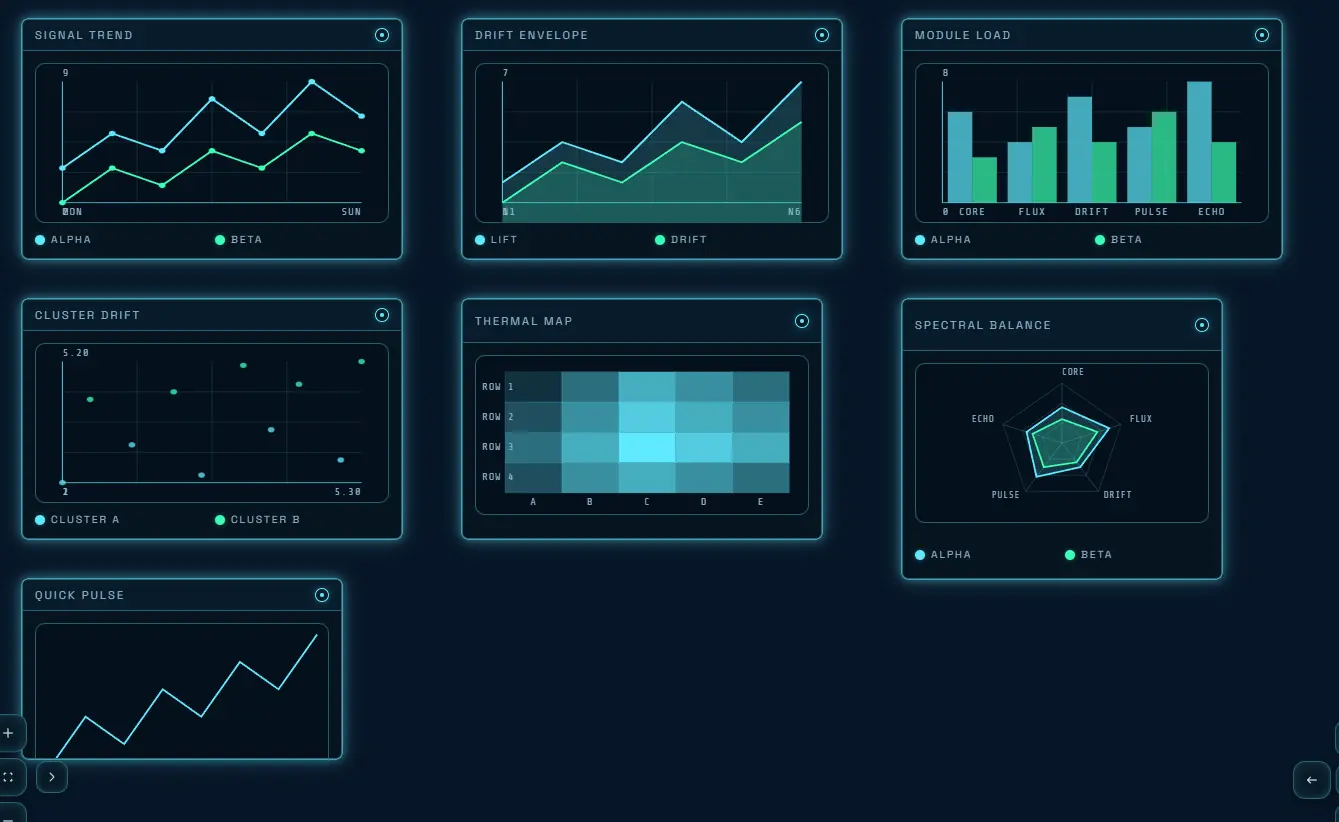
LineChart, AreaChart, BarChart, ScatterChart, HeatmapChart, RadarChart, SparklineChart.
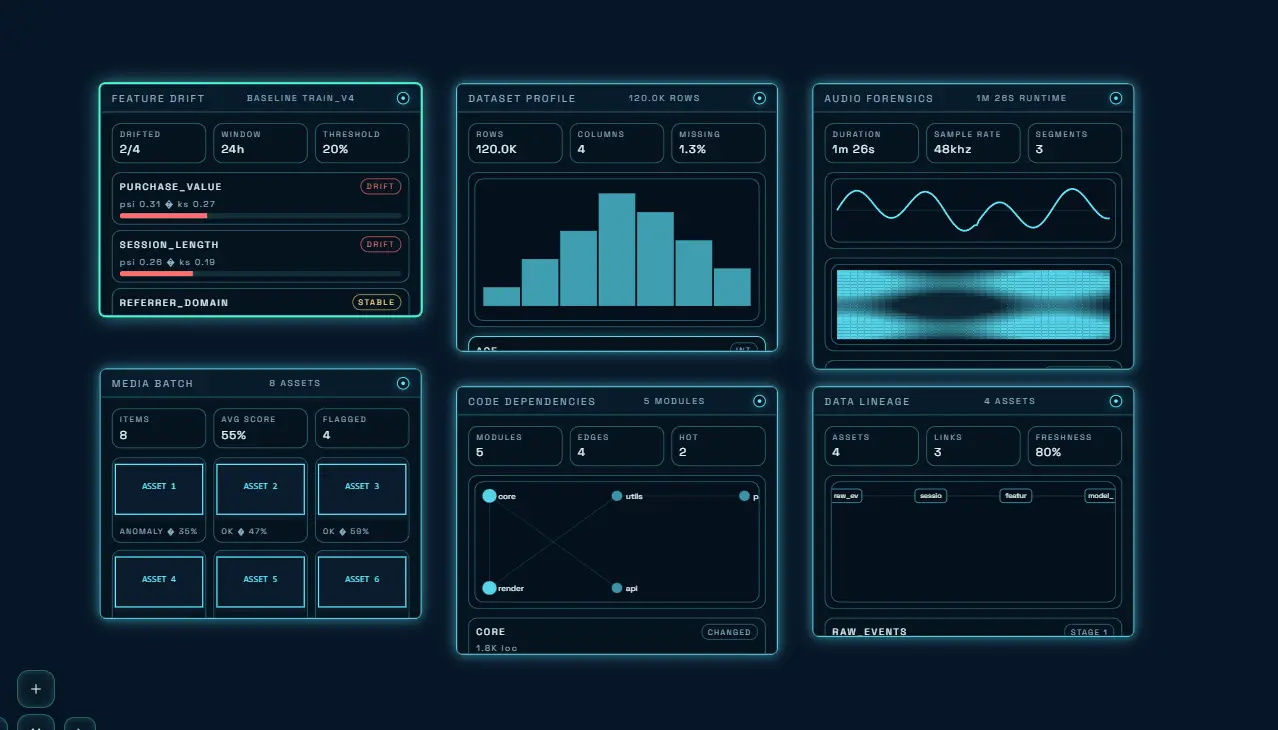
ImageViewer, VideoPlayer, AudioPlayer, MediaBatchInspector.
DatasetProfiler, FeatureDriftMonitor, AudioForensics.
CodeDependencyExplorer, DataLineageGraph, PipelineOrchestrator, GitLogHistory.
Events, notifications, and export
Elenweave is event-driven. Integrate with external state by subscribing to changes, and persist using Graph/Workspace exports (plus PNG snapshots).
Track board lifecycle and movement across graphs.
graph:created,graph:active,graph:deletednode:movedacross boards
Listen for selection, input changes, and context menu actions.
selection,edge:selectionnode:input,contextmenu:action
Persist via exportGraph/exportWorkspace.
- GraphJson and WorkspaceJson shapes
- PNG export returns a data URL